-
Type:
Bug Report
-
Resolution: Fixed
-
Priority:
 L3 - Default
-
Affects Version/s: 7.13.0, 7.12.5
-
Component/s: tasklist
Steps to reproduce:
- Start camunda-run 7.13.0 (with Webapps enabled)
- Open http://localhost:8080/camunda/
- Login with demo / demo into Tasklist
- Let the session expire (can be simulated by clearing the cookies in the browser console)
- Click on "Start Process"
Expected Behavior:
- The dialog does not open.
- The user gets redirected to the login page, so that they can login again.
Observed Behavior:
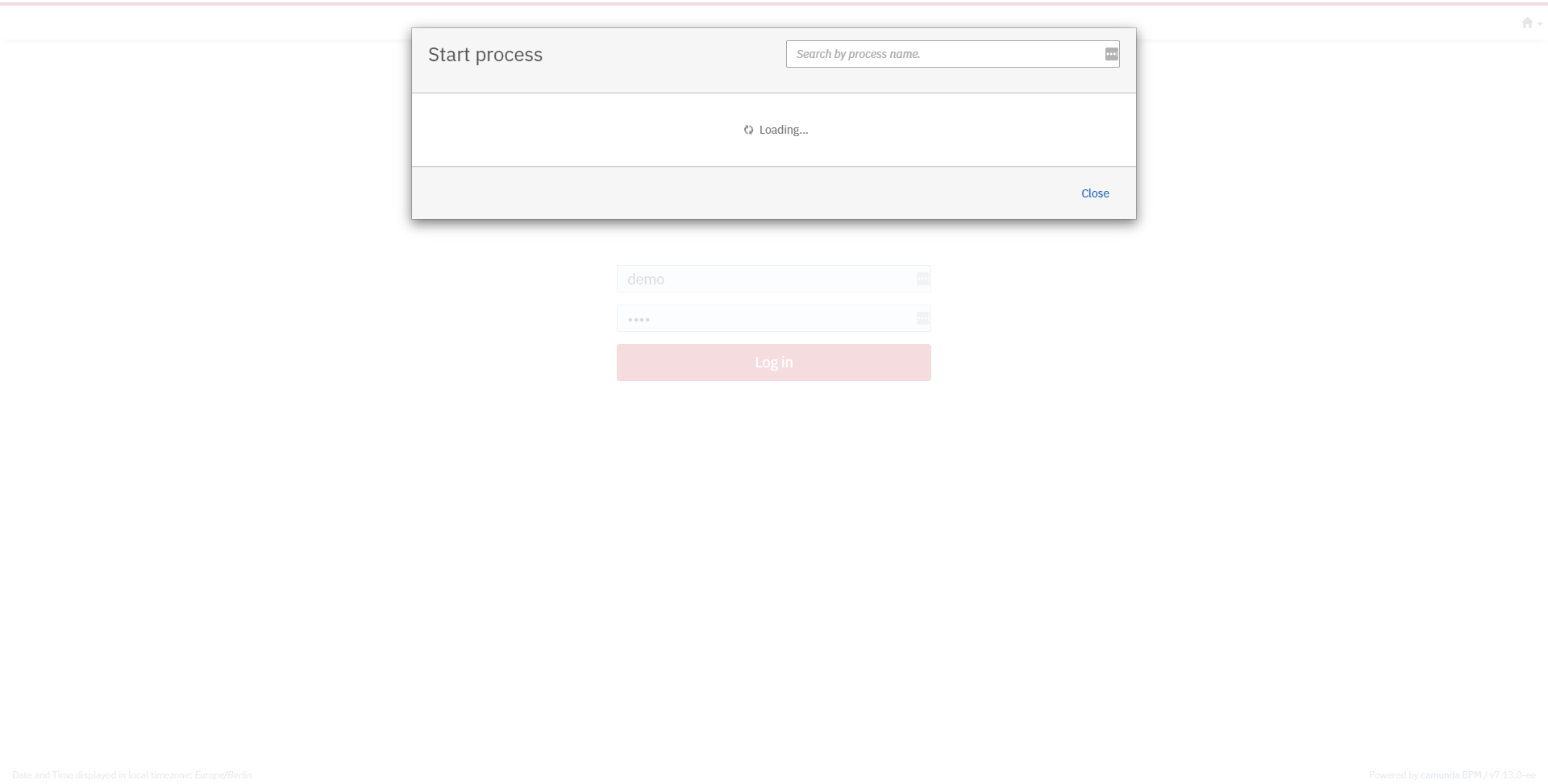
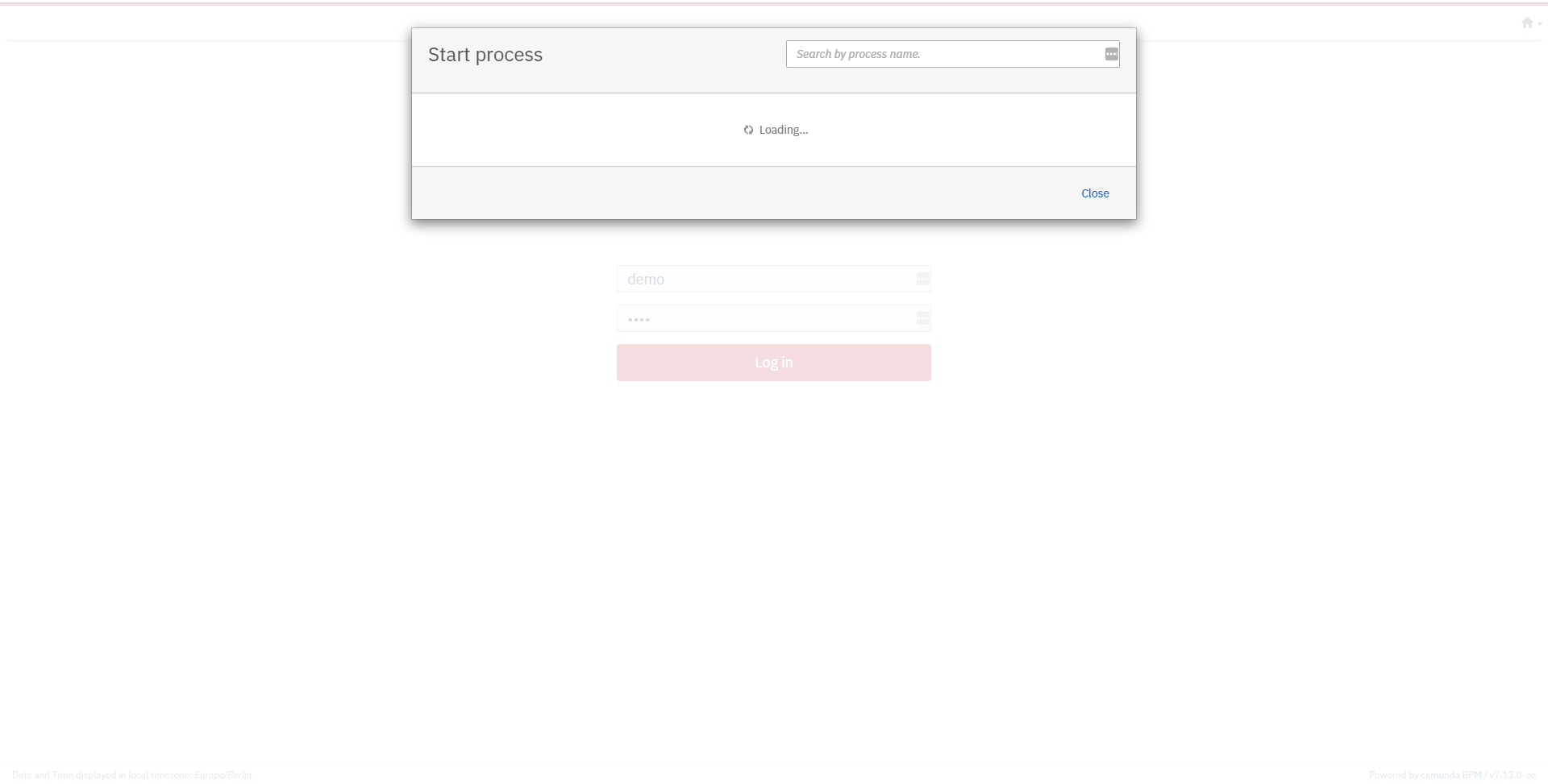
- The dialog opens and remains open.
- The user gets redirected to the login page, but the dialog remains open and hides the login formular.
Hint:
- Cannot be reproduced with 7.11