-
Type:
Bug Report
-
Resolution: Fixed
-
Priority:
 L3 - Default
-
Affects Version/s: None
-
Component/s: cockpit
-
None
In cockpit are two different messages when the session has been expired and the user is redirected to the login page.
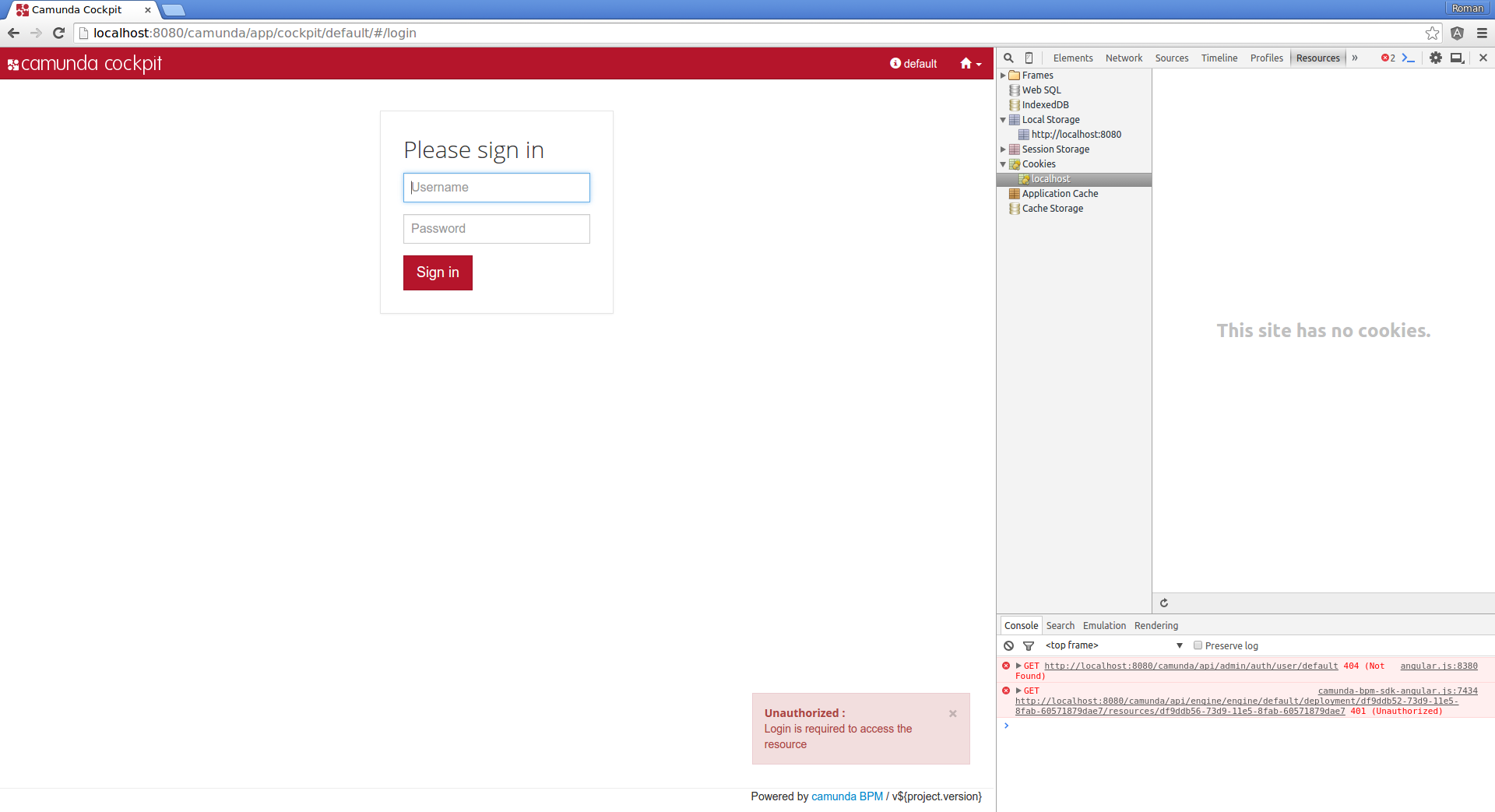
(1) Unauthorized:
- login into cockpit
- go to the repository view
- let the session expire (press F12 go to the "Resources" tab and clear the Cookies)
- click something on the page (for example select another deployment)
=> Message: "Unauthorized: Login is required to access the resource"
(2)
- login into cockpit
- let the session expire (press F12 go to the "Resources" tab and clear the Cookies)
- click on a available process definition
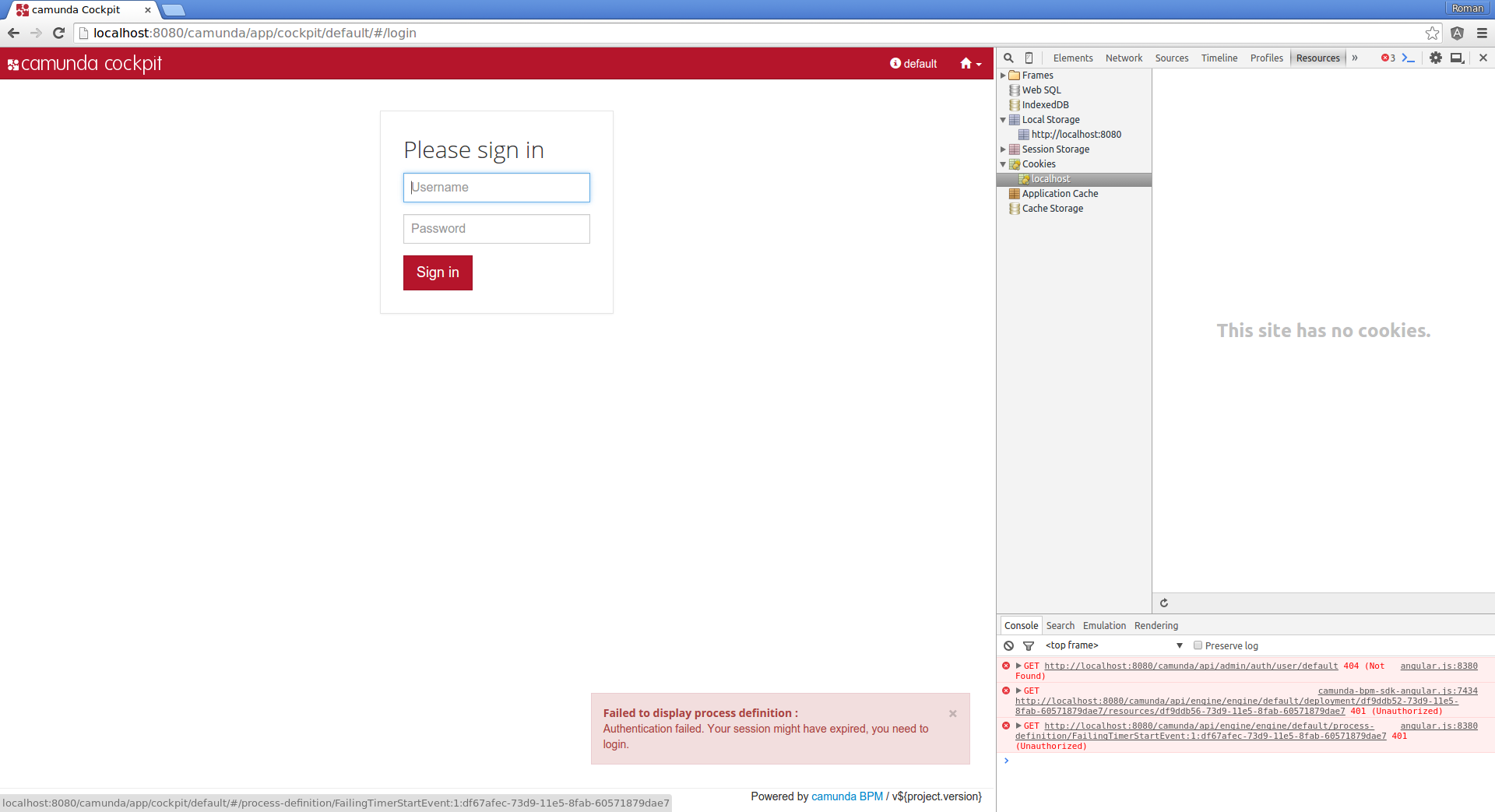
=> Message: "Failed to display process definition: Authentication failed. Your session might have expired, you to login."
AT:
- Harmonize the expired session message in cockpit