-
Type:
Task
-
Resolution: Fixed
-
Priority:
 L3 - Default
-
Affects Version/s: None
-
Component/s: cockpit
History Cleanup Functionality
As a user, I should be able to:
Stage 1
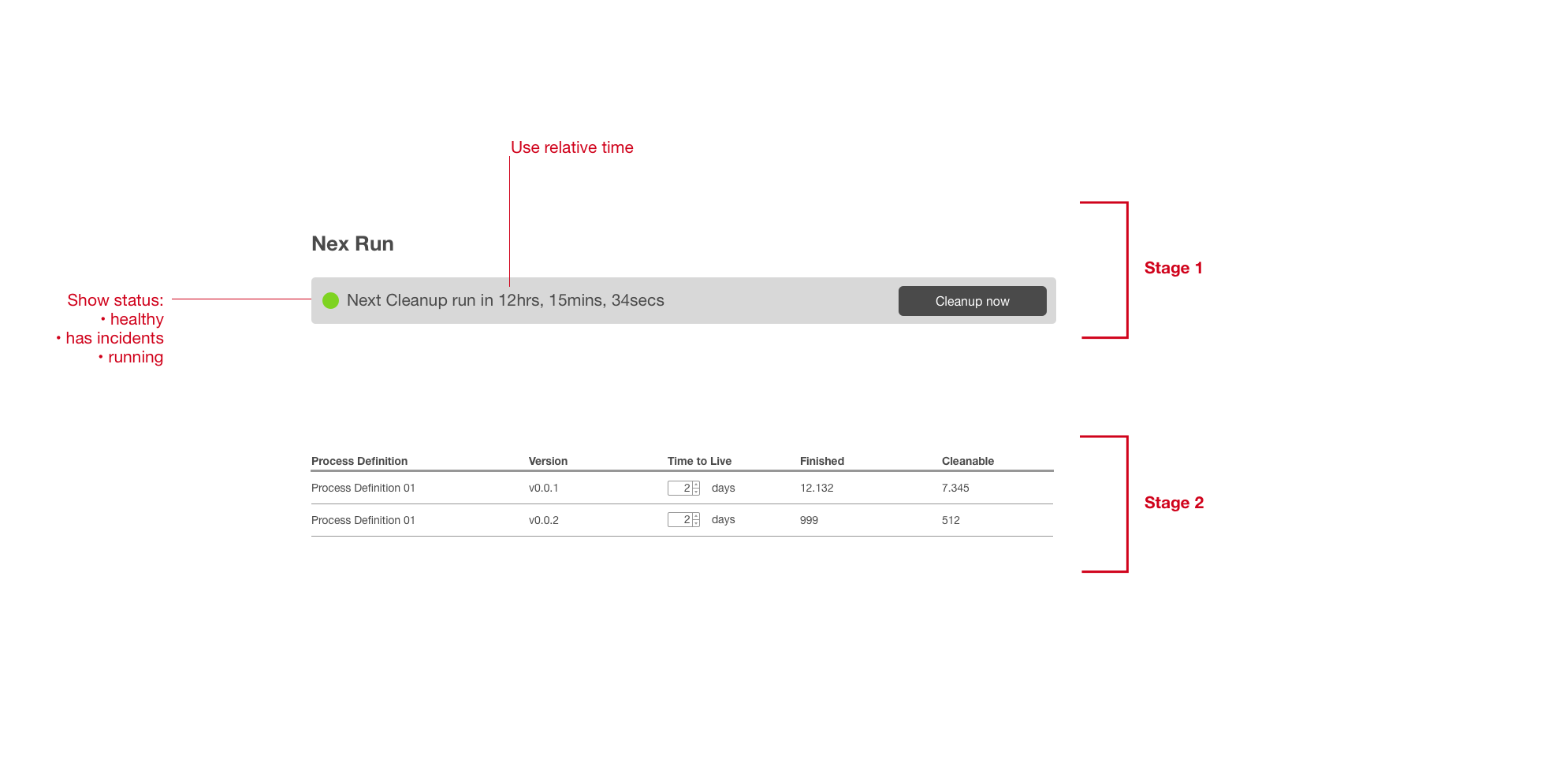
- See the time until the next scheduled cleanup job run (use relative date?)
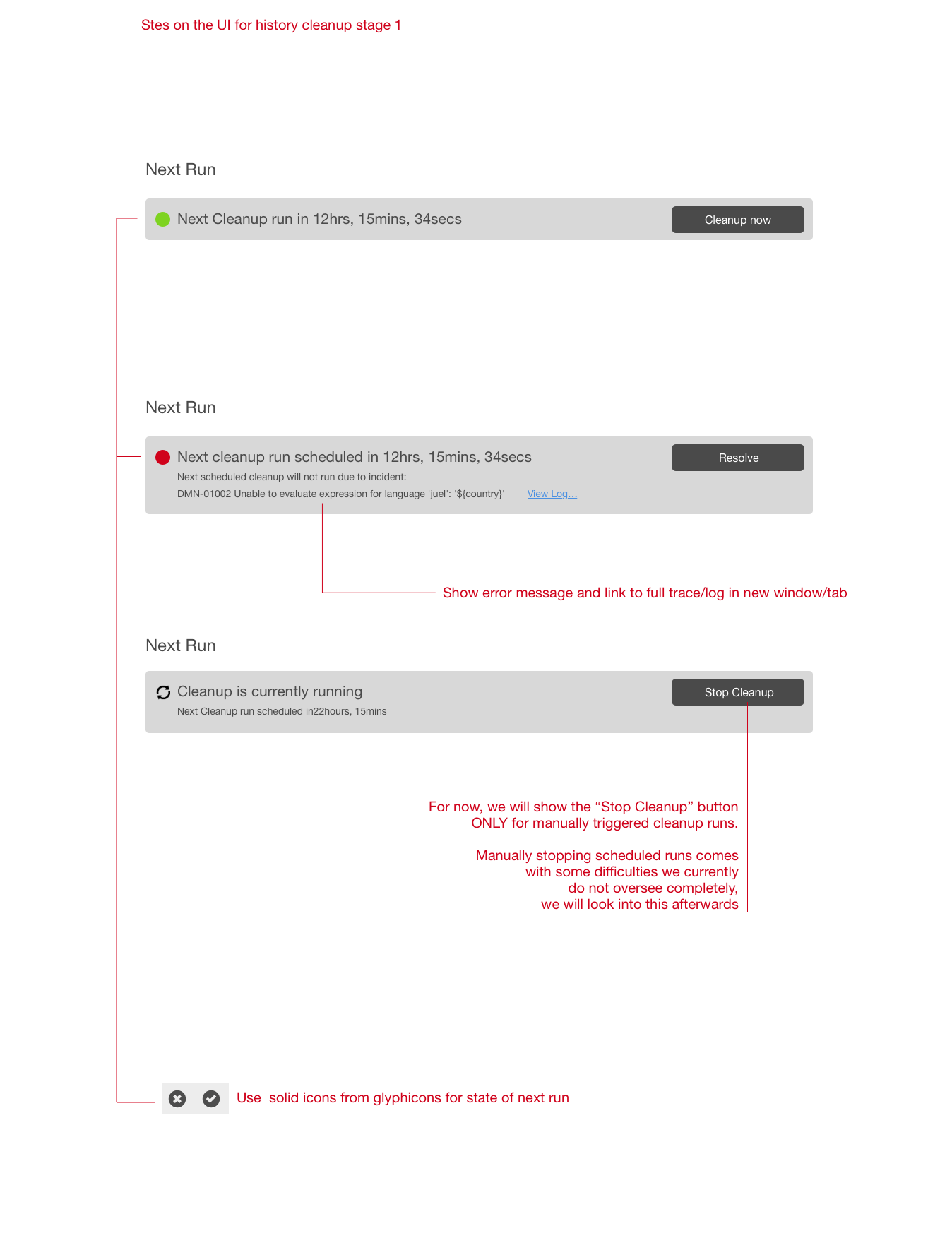
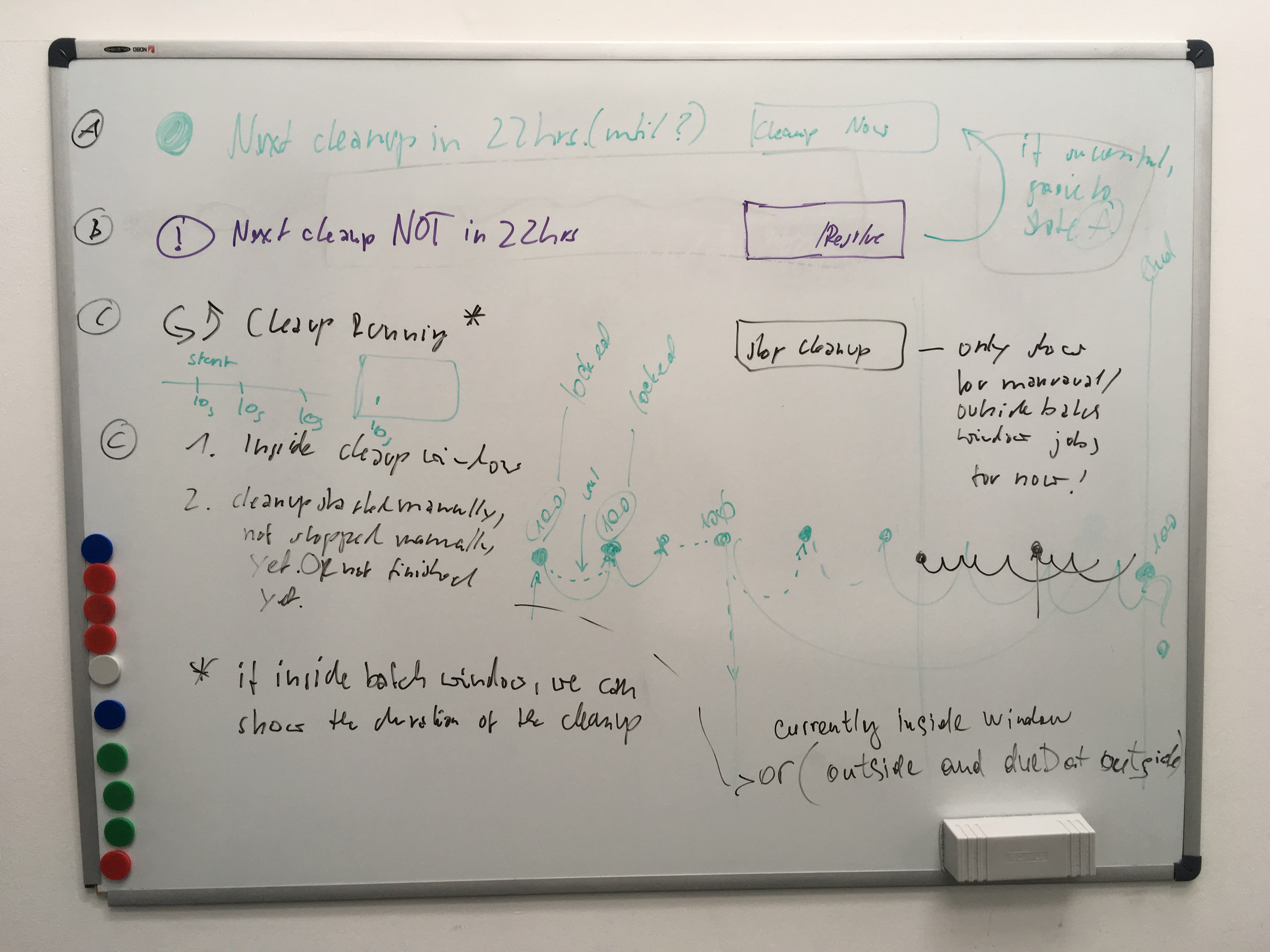
- See the current status of the cleanup job [ healthy | broken/has incidents | running ]
- Trigger an immediate cleanup job run (deactivate when currently running?)
- A manually triggered run can be stopped, we'll look into stopping batch runs later.
- In case of incident, show the incident’s error message and link to logfile (open in new window/tab), and give option to resolve the incident.
Stage 2
- See a of process definition versions, each consisting of the following data:Number of
- Process definition name (link to process definition)
- Process definition version (more then one version can exist at a time)
- Time to live as configured for this process definition version (editable via input[type=number])
- Number of finished jobs for this process definition version
- Number of jobs that will be cleaned with next cleanup job run (= number of finished jobs w/ time to live expired)
Stage 3
- See current cleanup job efficiency / efificiency history (this could go to dashboard as well) TBD
- See Cleanup Incident history (Discuss details with Svetlana re data to show that makes sense and that we have etc.) TBD