-
Type:
Bug Report
-
Resolution: Fixed
-
Priority:
 L3 - Default
-
Affects Version/s: None
-
Component/s: None
-
None
Steps to reproduce
- Click on Processes
- Open the process definition runtime view by clicking on the name of a process with no job definitions (e. g. CallActivity)
- Click on the right side on the button to change the overriding job priority of the process definition
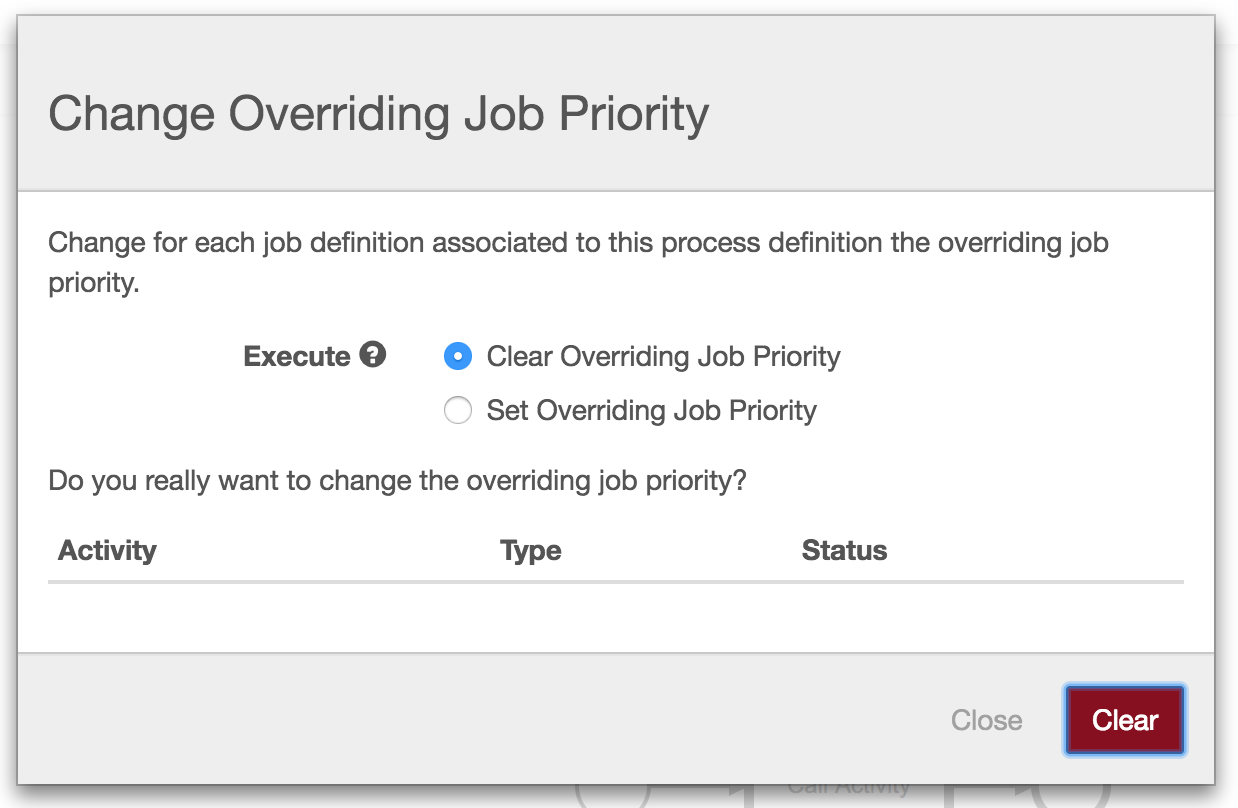
- A modal dialog is opened
- Select either the "clear overriding job priority" radio button or the "set overriding job priority" radio button and set a priority
- Click on "Clear"
Observed behavior
- An empty table is shown
- The modal dialog cannot be closed by clicking neither on the "Close" nor on the "Clear" button
Expected behavior
- Error notification in dialog is shown