-
Type:
Task
-
Resolution: Fixed
-
Priority:
 L3 - Default
-
Affects Version/s: None
-
Component/s: webapp
-
None
Steps to reproduce
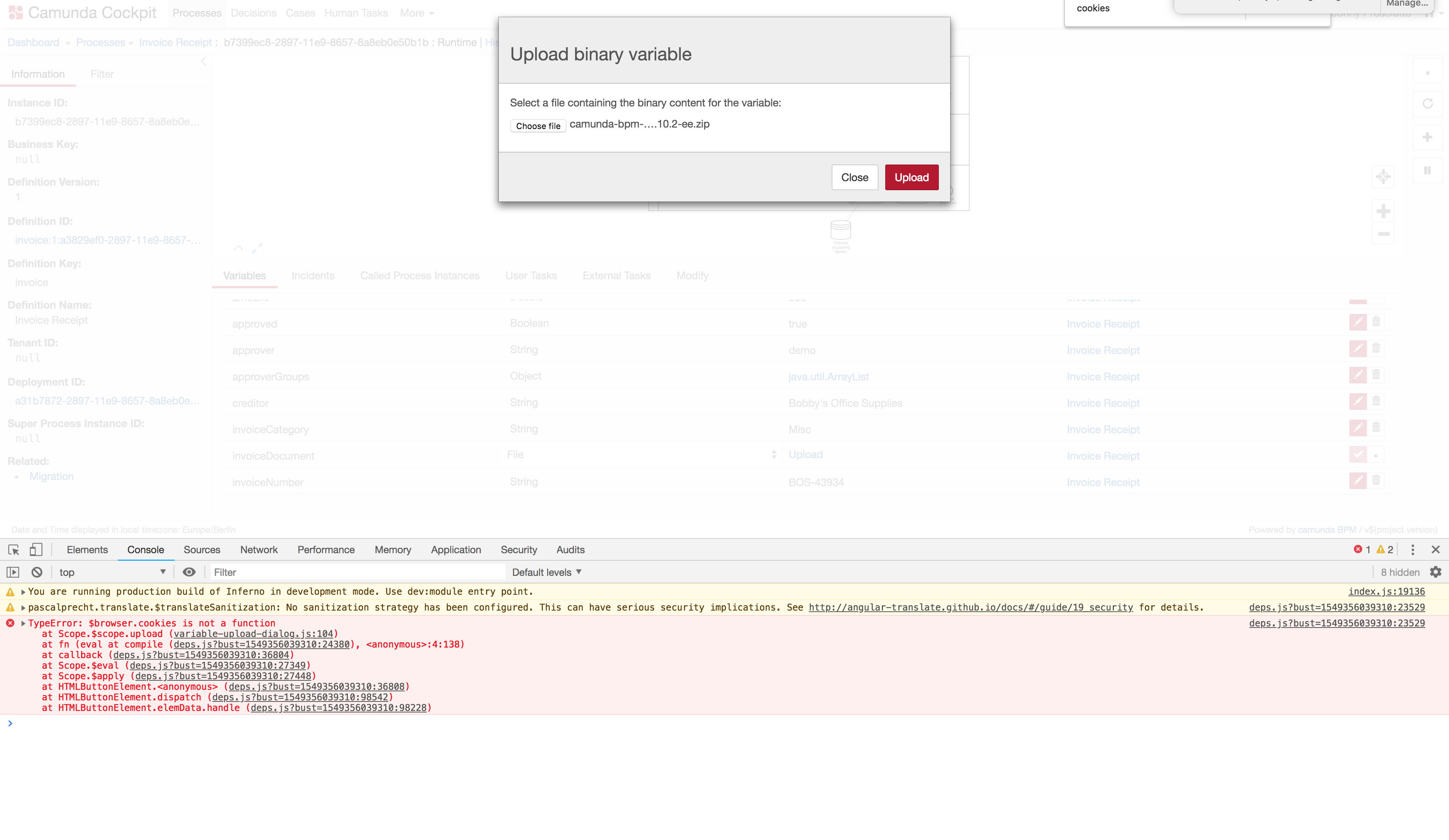
- Go to Cockpit
- Go to process instance runtime view
- Edit a variable of type file
- Click on "Upload"
- In modal dialog select a file
- Click on "Upload"
Observed behavior
- File is not uploaded successfully
- Modal dialog remains open
- Error message in console is shown
Expected behavior
- File is uploaded successfully
- Modal dialog is closed
- No error message in console is shown
- is related to
-
-
- Closed
-