-
Type:
Bug Report
-
Resolution: Fixed
-
Priority:
 L3 - Default
-
Affects Version/s: 7.12.1
-
Component/s: None
Steps to reproduce:
1. Login in Camunda cockpit
2. Open "Decisions"
3. Choose any DMN table and open it
4. Go to EditMode by clicking on the button with the pen

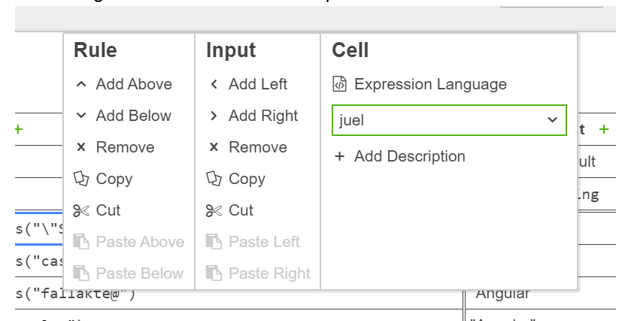
5. Click the right button on the mouse to perform an action from the context menu:
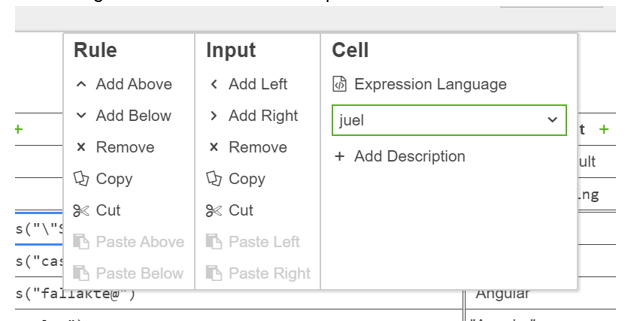
6. Click on "Remove Rule" using the mouse
Observed Behavior:
- The rule is not removed.
Expected Behavior:
- The rule is removed.
Hint:
- The same applies to all other actions in the context menu (i.e., adding an input or output, adding a new rule, changing the language, ...)