-
Type:
Bug Report
-
Resolution: Fixed
-
Priority:
 L3 - Default
-
Affects Version/s: 3.10.4, 3.10.6, 3.11.3
-
Component/s: frontend
-
Not defined
What/Where is the issue ?
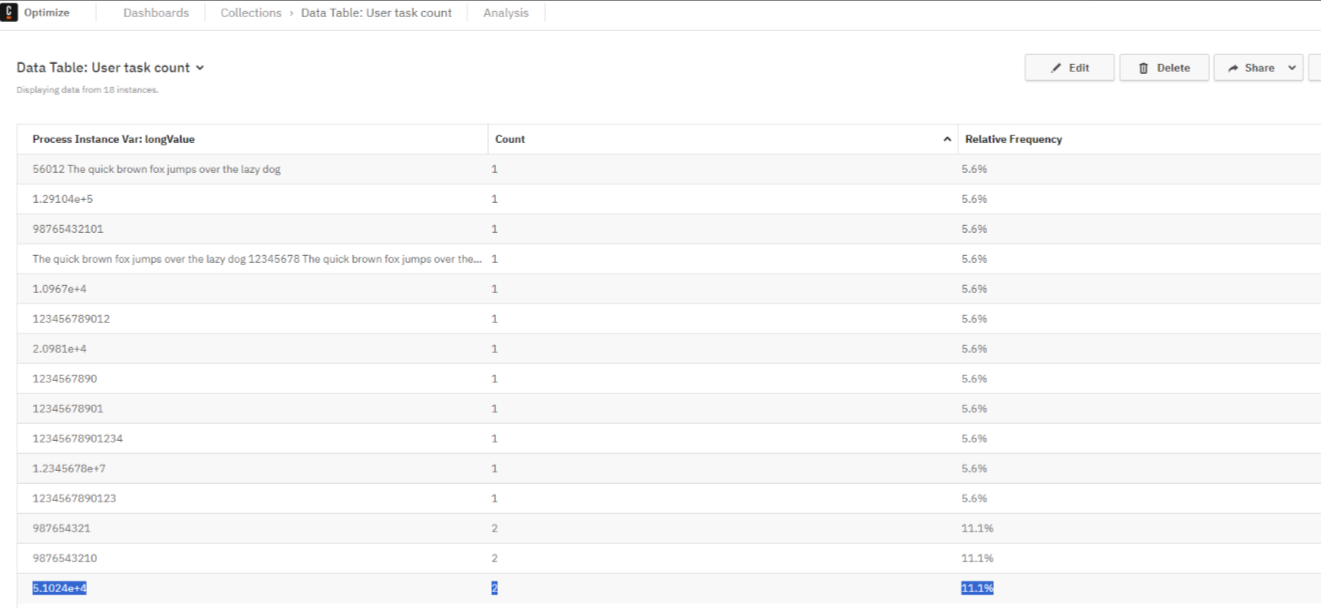
String variables that starts with number and are too long are being reflected in Scientific notation in Optimize.
Environment: C7/ C8SaaS/ C8SM
Optimize version : 3.10.4, 3.10.6, 3.11.3
ES version : 7.17 / 8.8
OS + Browser version : Chrome
Steps to reproduce:
- Start a process instance with Variable string.
- Ensure that the string variable have some values in the following format and is too long > 50 characters:
<number><string>. e.g. 123123 adasdasda dasdas dasd asdasdasdasdasdasdasdsa... - Create a report for process definition.
Report Setup Data Table
View > Process Instance
Measure > Count
Group by > Variable: <aVariable>
Visualization > Table
3. Save Report
Observed behavior:
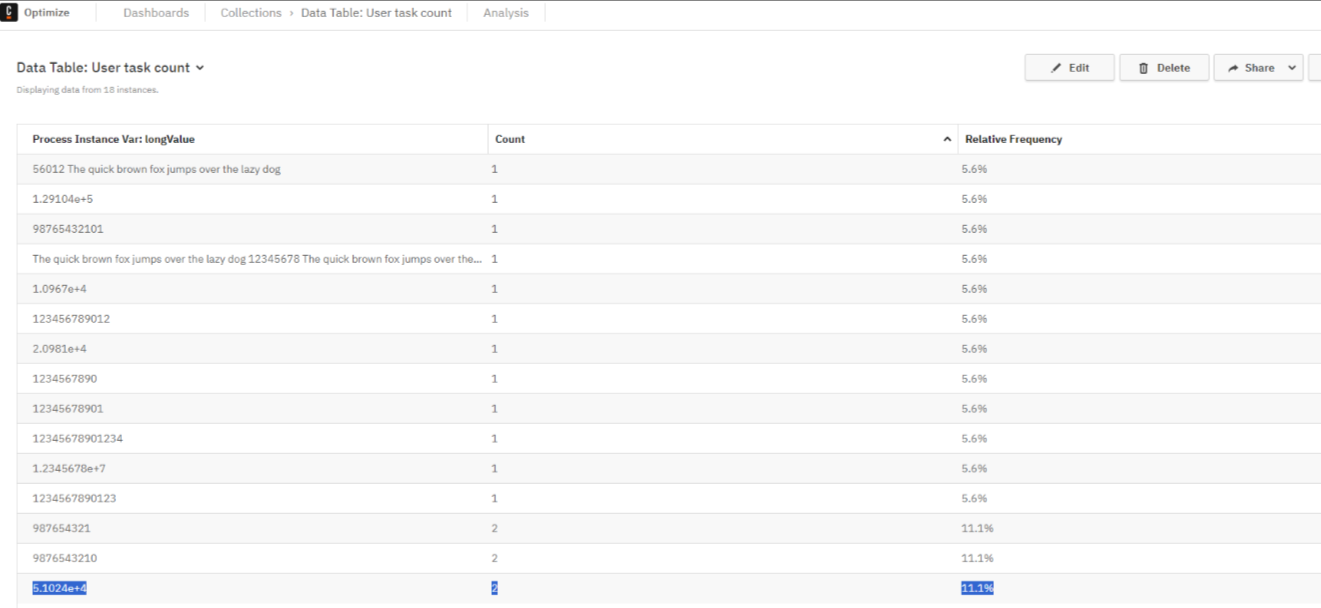
Expected behavior:
Actual String value should be reflected in Reports.
Additional Information:
Seems to be caused by OPT-5641 where we convert long number to exponential format.
We are checking for numbers with `isNaN` which does return `false` if the first couple of letters in string are numbers. This causes the string to be converted to exponential format.