-
Type:
Bug Report
-
Resolution: Fixed
-
Priority:
 L2 - Critical
-
Affects Version/s: None
-
Component/s: camunda modeler eclipse plugin
Using the camunda modeler 2.0.12 I opened a existing bpmn diagram change the label of a gateway and save.
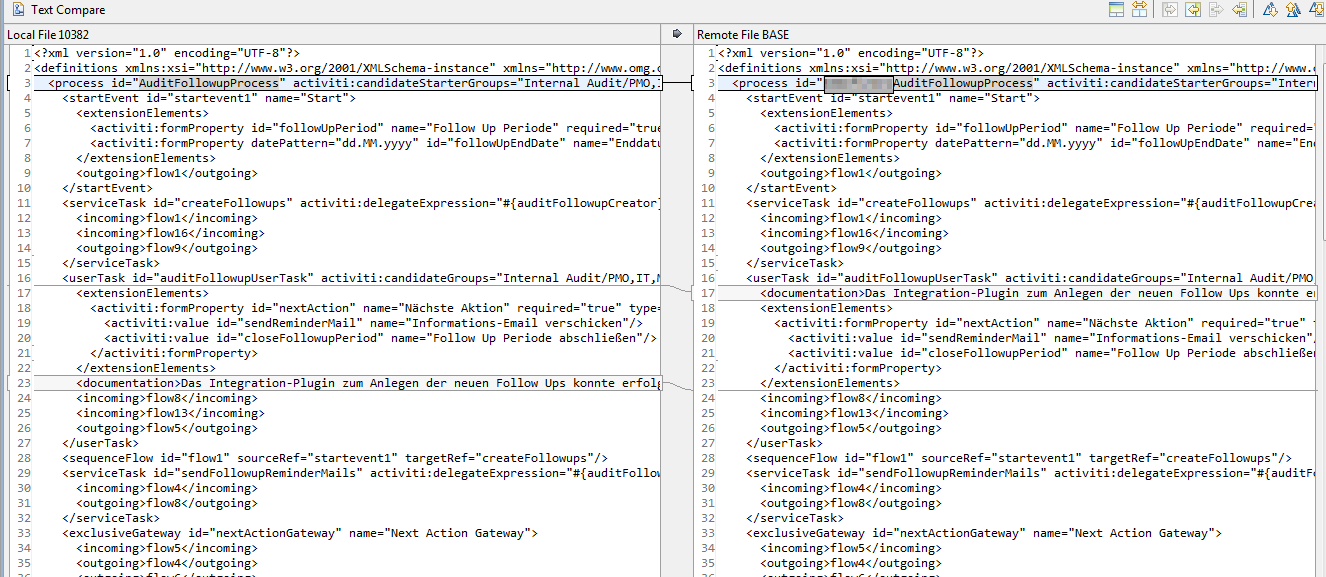
As you can see in "camunda_modeler_documentation_element.png" the "documentation" element was moved after the "extensionElements".
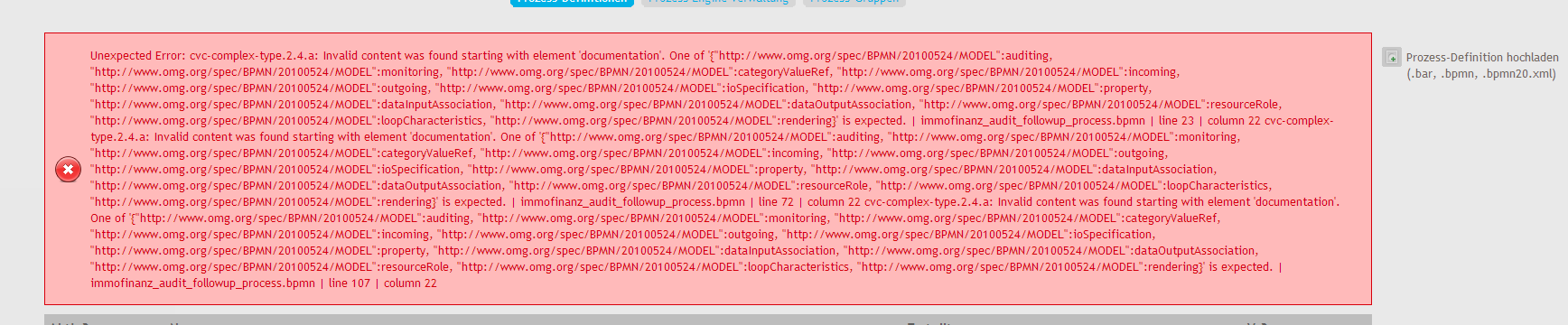
The problem is, according to the schema the "documentation" element must occur before and therefore such bpmn file can't be deployed to the process engine (camunda bpm 7.0.0-alpha5). see documentation_element_deploy_error.png
Right now the only workaround is to manually move the "documentation" element to its correct position.
- is related to
-
CAM-299 As modelling user, I can edit the documentation element in the properties panel
-

- Closed
-